Account & Security
Learn how to create your account, sign in, manage your profile, and understand user roles within the platform.
Creating Your Account
To get started with Buildpad.ai, you need to create an account:
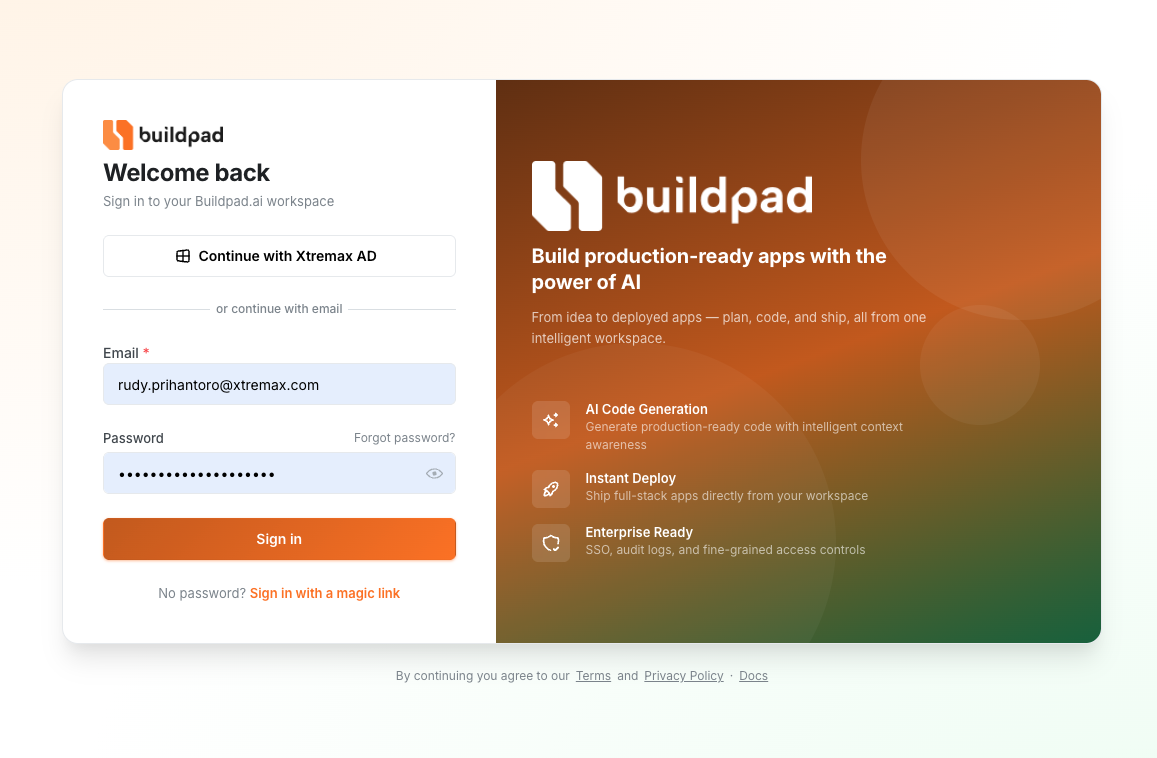
- Navigate to the Buildpad.ai login page .
- Switch to the Sign Up tab.
- Enter your email address and choose a secure password.
- Click Sign Up to create your account.
- You’ll be automatically signed in and redirected to the platform.
Signing In
If you already have an account, sign in using your email and password on the login page . Your session will remain active so you don’t have to sign in every time you visit.
If you forget your password, use the password reset option on the login page to receive a recovery email.
User Roles
Buildpad.ai uses role-based access within organizations. Each member has a role that determines what they can do:
| Role | What You Can Do |
|---|---|
| Owner | Full access — manage the organization, invite or remove members, create and delete projects, and configure all settings. |
| Member | Work on projects — create and edit microapps but cannot manage organization settings or members. |
Security
Buildpad.ai takes security seriously to protect your code and data:
- Encrypted sessions — Your login session is securely encrypted.
- Protected routes — All platform pages require authentication. You can’t access projects or data without signing in.
- Role-based access — Only organization owners can manage members and settings.
- Secure password storage — Passwords are hashed and never stored in plain text.
Related:
- Organizations — Learn how to create and manage team workspaces.
- Quick Start — Get started with your first project.
Last updated on