Organizations
Team workspaces for collaboration and project management.
What Are Organizations?
Organizations are the top-level workspaces in Buildpad.ai. They bring your team together in one place — each organization contains projects, team members, and shared settings. Every user belongs to at least one organization.
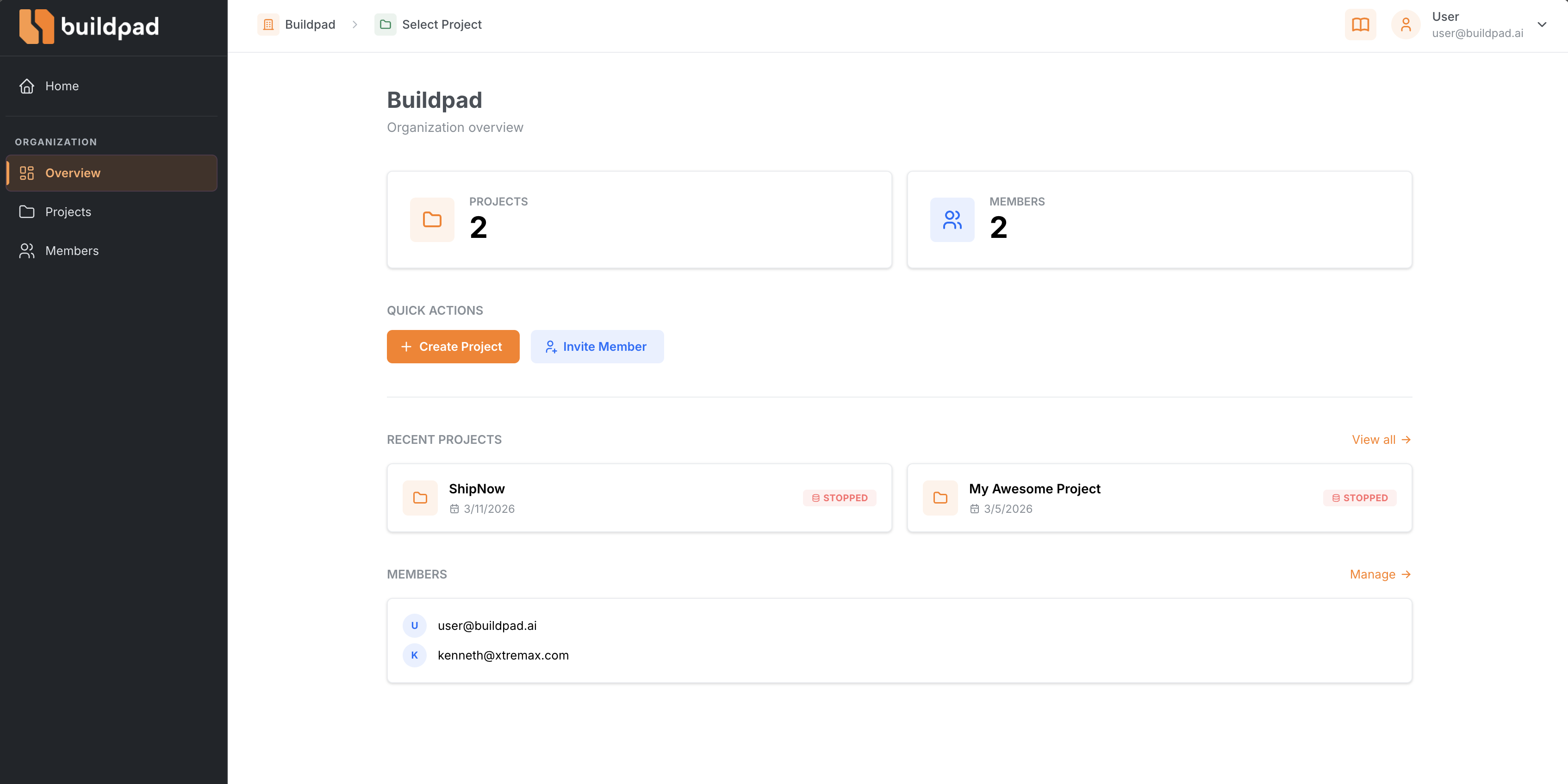
Creating an Organization
- From the platform dashboard, click Create Organization.
- Enter a name for your organization (e.g., “My Company” or “Side Projects”).
- Optionally set an icon or avatar for easy identification.
- Click Create — you’ll be taken to your new organization’s overview page.
Members & Roles
Each organization has members with roles that determine what they can do:
| Role | What You Can Do |
|---|---|
| Owner | Full access — manage settings, invite or remove members, create and delete projects, and delete the organization. |
| Member | Work on projects — create and edit microapps but cannot manage organization settings or members. |
Managing Members
Organization owners can manage the team from the Members page in the sidebar:
- View all members and their roles
- Invite new members by email
- Change member roles
- Remove members from the organization
Switching Organizations
If you belong to multiple organizations, use the Organization Switcher in the header to quickly jump between them. The dropdown shows:
- All organizations you belong to
- Your role in each organization
- A quick shortcut to create a new organization
When you create an organization, you automatically become the Owner with full administrative access.
Last updated on