Projects
Set up and manage your application projects.
What Are Projects?
Projects live inside organizations and represent a full application you are building. Each project can contain multiple microapps that together make up your application. Projects also provide access to cloud development environments where you can write and run code.
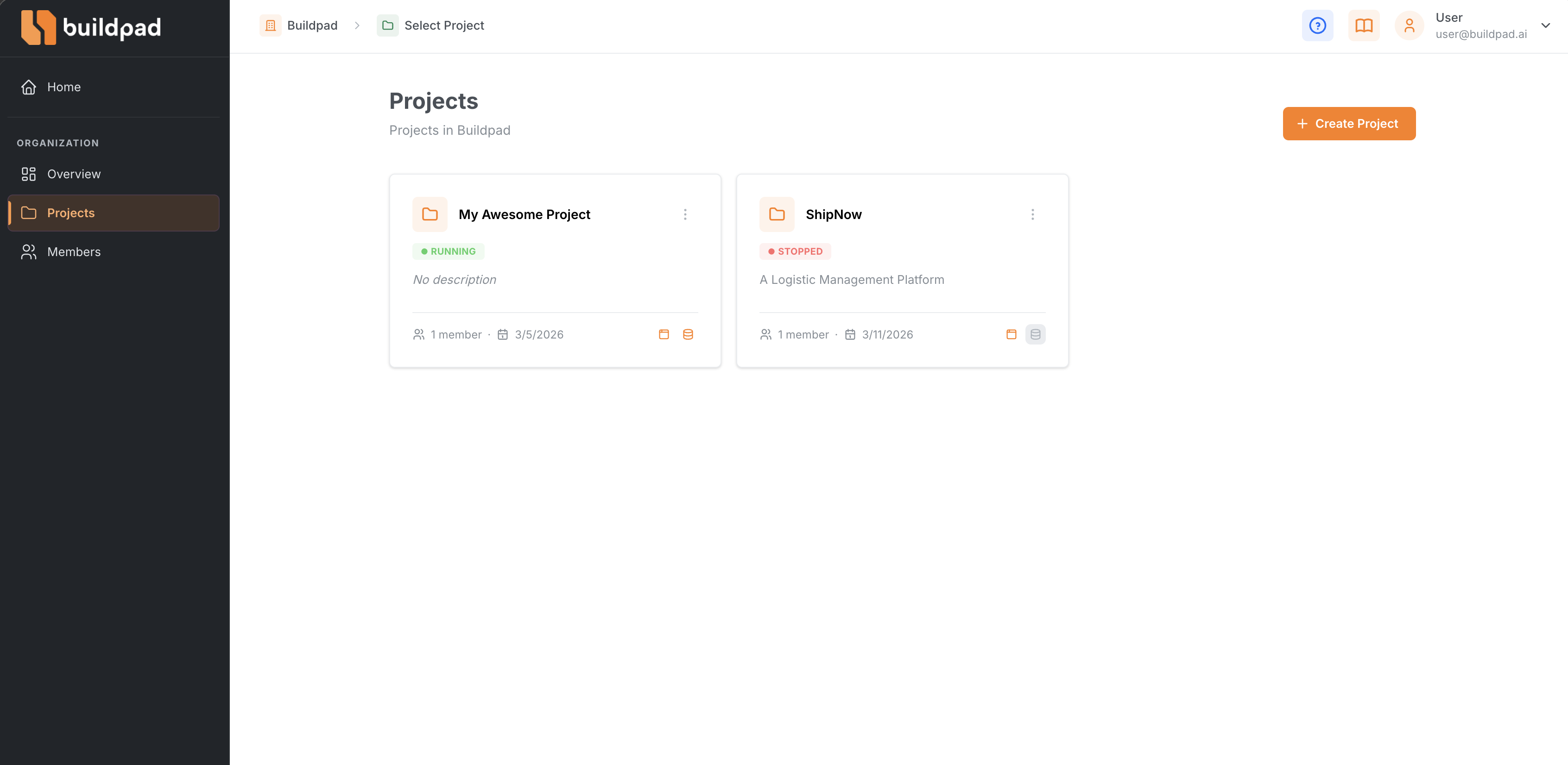
Creating a Project
- Navigate to your organization and click Projects in the sidebar.
- Click New Project.
- Enter a project name and optional description.
- Your project is created and ready to use.
Project Pages
Each project has several sections accessible from the sidebar:
- Details — View and edit project information such as name, description, and settings.
- DaaS (Data-as-a-Service) — Check the status of your project’s data backend. A status indicator shows whether it is ready. From Services & Integrations you can launch DaaS Studio to model collections, set access policies, and automate server-side logic — all documented separately at docs.daas.buildpad.ai . See The Buildpad Ecosystem for how the two products divide the work.
- Microapps — View and manage the individual services that make up your application. Add new microapps or open existing ones.
- Workers — Enable and manage long-running background processes that consume RabbitMQ messages and call DaaS. See Workers. This section appears only when the feature is enabled on your instance.
Starter Templates
When creating a new project, you can choose from starter templates to bootstrap your application with a predefined structure. Templates give you a head start so you don’t have to build everything from scratch.
Each project can have its own cloud development environment. Use the DaaS page to monitor its status before starting the app development.
Related Guides
Last updated on